

More items from this sellerView All


Description
Important Notice Before to Buy:
– Please note that the installation requires a hole through which you can connect the camera to the screen via cable. If there is no peephole, please drill a peephole to install it. Door hole diameter of 15 to 60 mm in a door with a thickness of 35 to 145mm.
– Support ONLY 2.4Ghz Wi-Fi to connect to APP. 5Ghz Wi-Fi Not Supported!
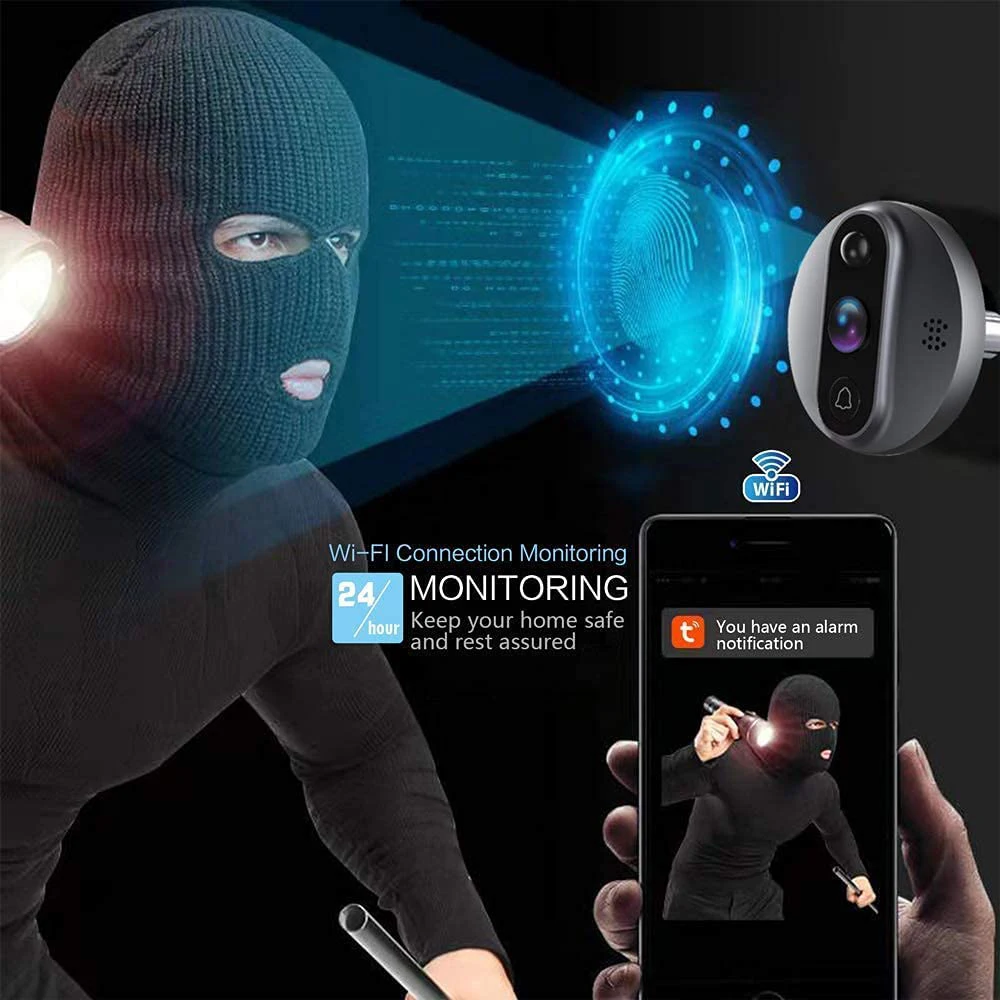
– When PIR detect movement, the display will NOT AUTO-ON. Only press doorbell, the display will AUTO-ON.
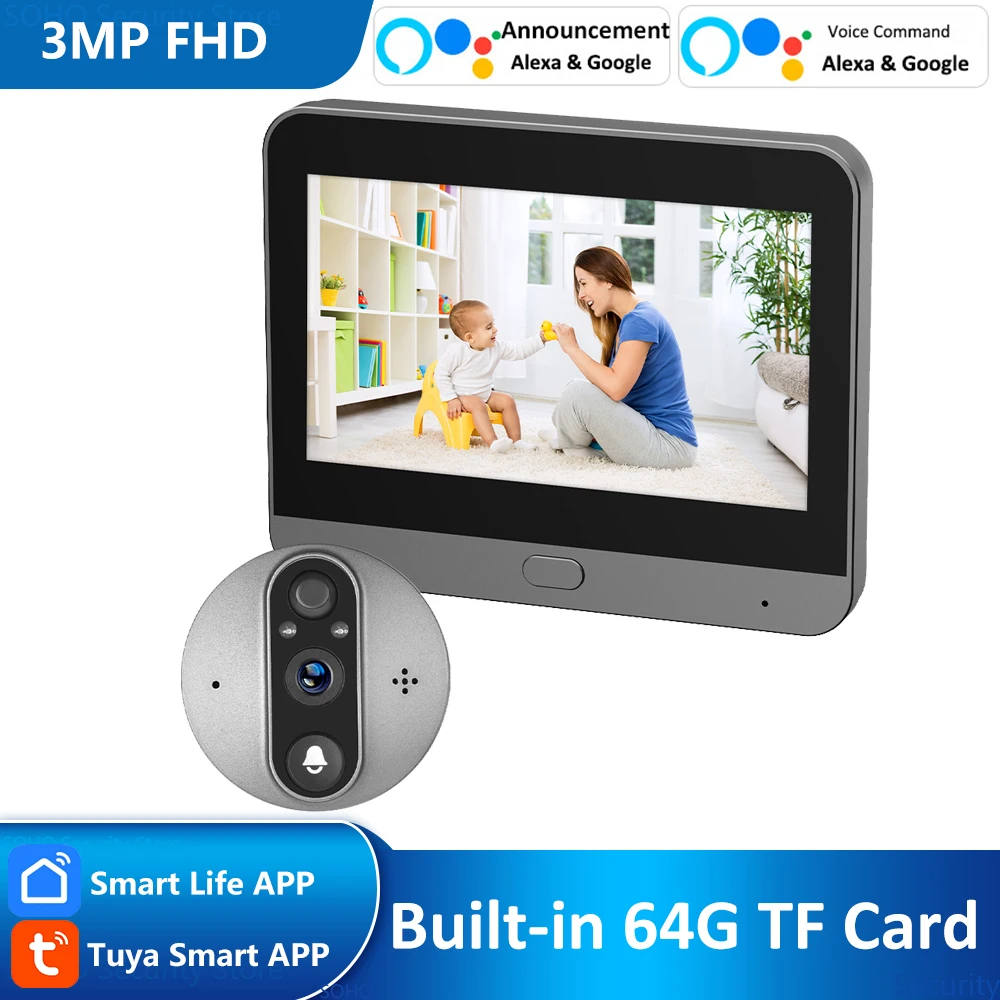
– Monitor connect door bell camera via CABLE; It have the DOORBELL BUTTON on camera part!
– Type-C charging port.User normal 5V 1A/2A power adapter to FULLY charge your doorbell before installation (PD fast charger ADAPTER PROHIBITED).
– Please kindly charge several hours until the monitor indictor become GREEN (Full charged) before installtion.
Q&A
1: What’s the battery capacity of this digital viewer? Working Time?
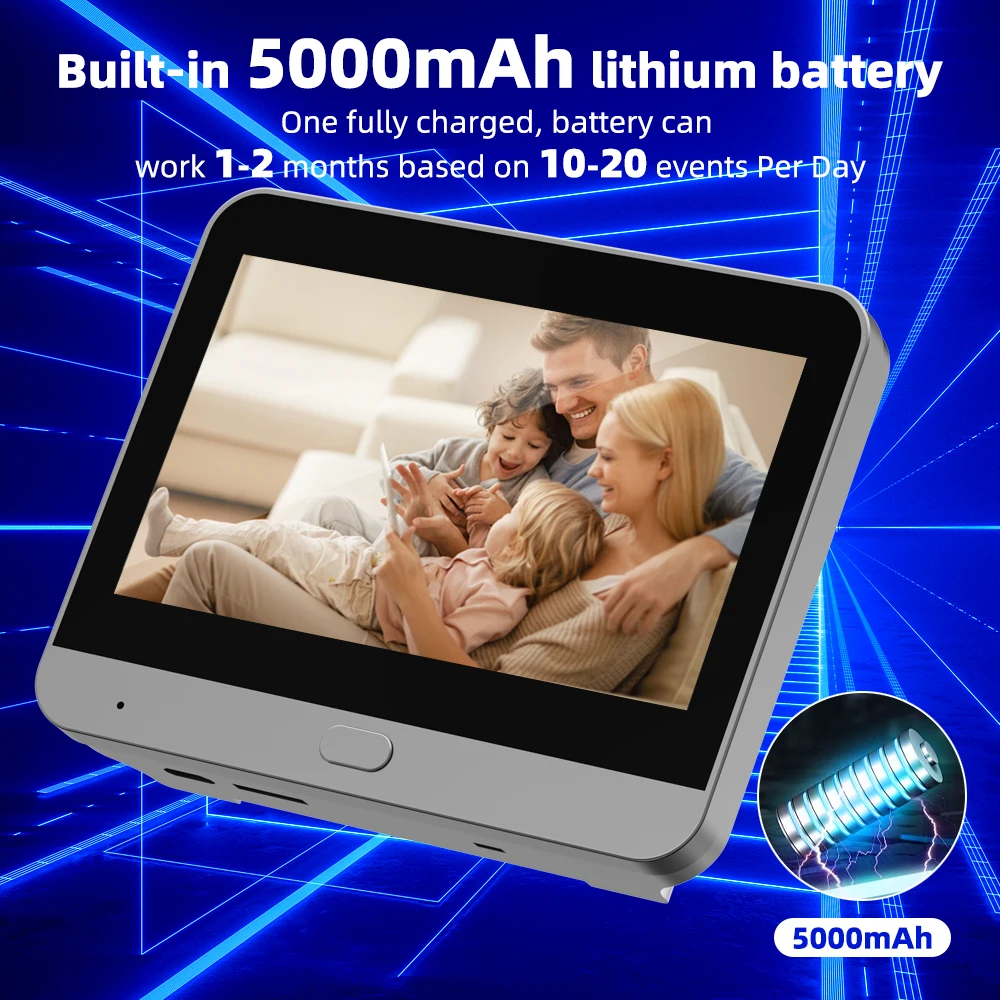
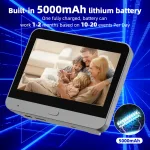
– It is built-in 5000mAh Lithium rechargeable battery doorbell camera
– Works 1-2 months based on 10 movements triggered per day
2: 3MP 1080P Digital Viewer working APP Name is? Does it support Alexa Google Voice Command?
– It is use ” Tuya Smart” or ” Smart Life” APP. You can download from APP Store.
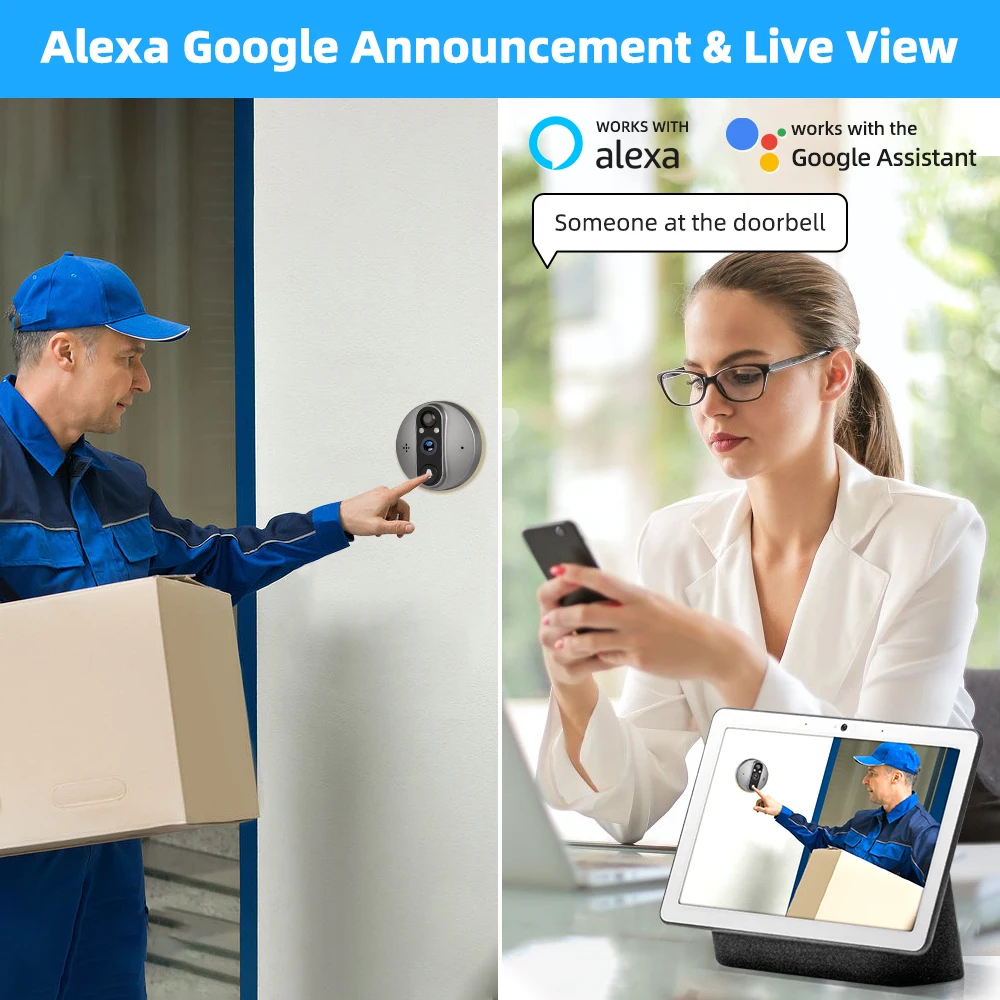
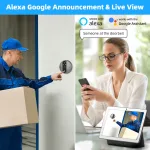
– Support Alexa Voice Announcement.
– If you need works with Echo show, please select the SKU with Alexa words. It works to wake up doorbell camera via voice command: “Alexa, show me device name” or ” Hey, google, show me device name”
3: Do you have to have an existing peep hole to use this product?
– No… I wouldn’t think so. But, you will probably have to create a hole in the door for the camera if you don’t already have an existing peephole to replace.
4: What’s the cable length between monitor and door camera?
– The flexible flt cable length is 10-15CM
Door thickness: 35 mm – 145 mm (please measure the door thickness before buying)
Door hole diameter: 15mm – 60mm
5: What the view angle of digital viewer? Support Night Vision?
– Support 166° wide view angle
– Support 3MP 1080P Clear night vision with distance 5-8 meters
6: When i connect the door camera to monitor, but monitor can not show video? How to solve it?
– Make sure the door camera cable connect to monitor in the right direction
– Also push hard to make it connect well.
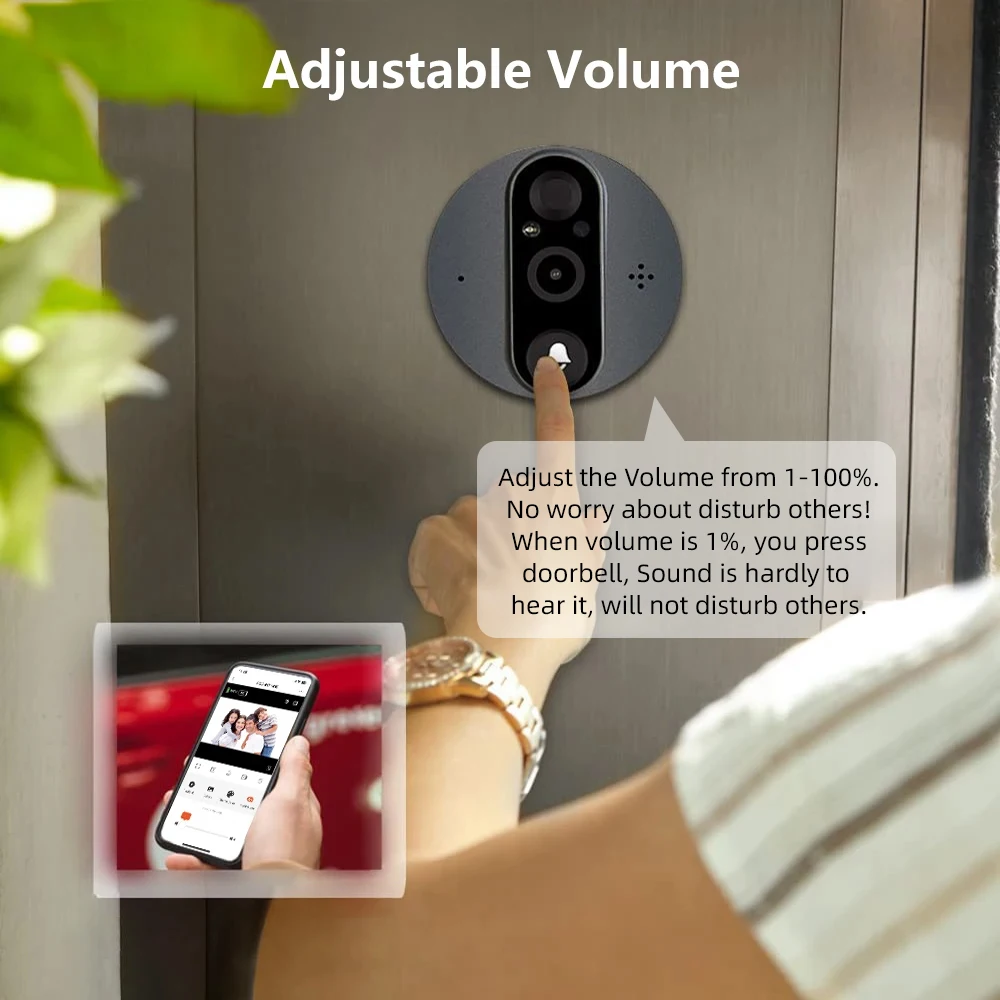
7: Does this display will auto on when press the doorbell?
– Display will TURN ON AUTOMATICALLY when you press the door camera and monitor will AUTO-OFF after 10S.
– Display will NOT AUTO-ON when PIR motion detected.igi
Additional information
| High-concerned chemical | None |
|---|---|
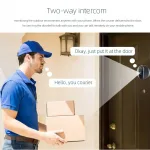
| Itercom | Yes |
| Power | Dry battery |
Related products
More Products-


-
-

-
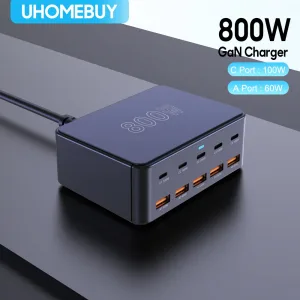
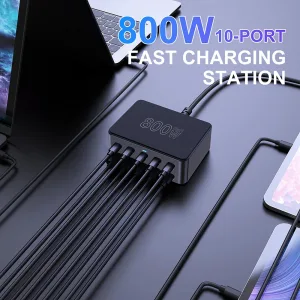
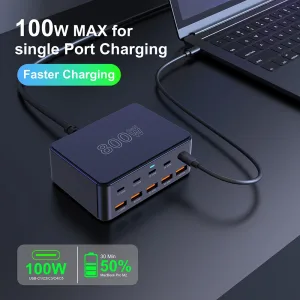
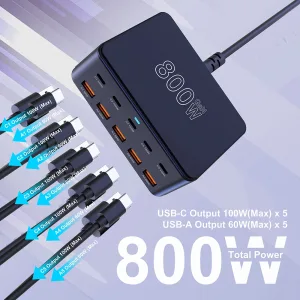
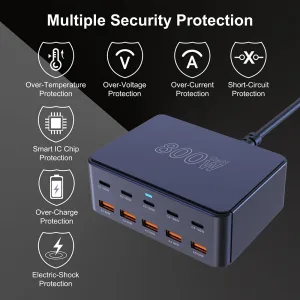
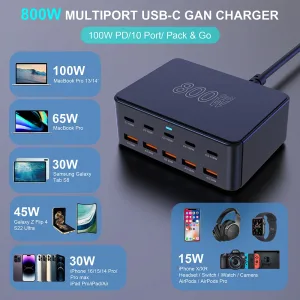
800W USB C GaN Charger 100W PD3.0 PPS QC3.0 Multiport Fast Charging Station for iPhone 15 16 Samsung Macbook Pro Laptops Tablets
Price range: $68.00 through $87.00
0.0 Average Rating Rated (0 Reviews)